Visual Graph Logic & Output
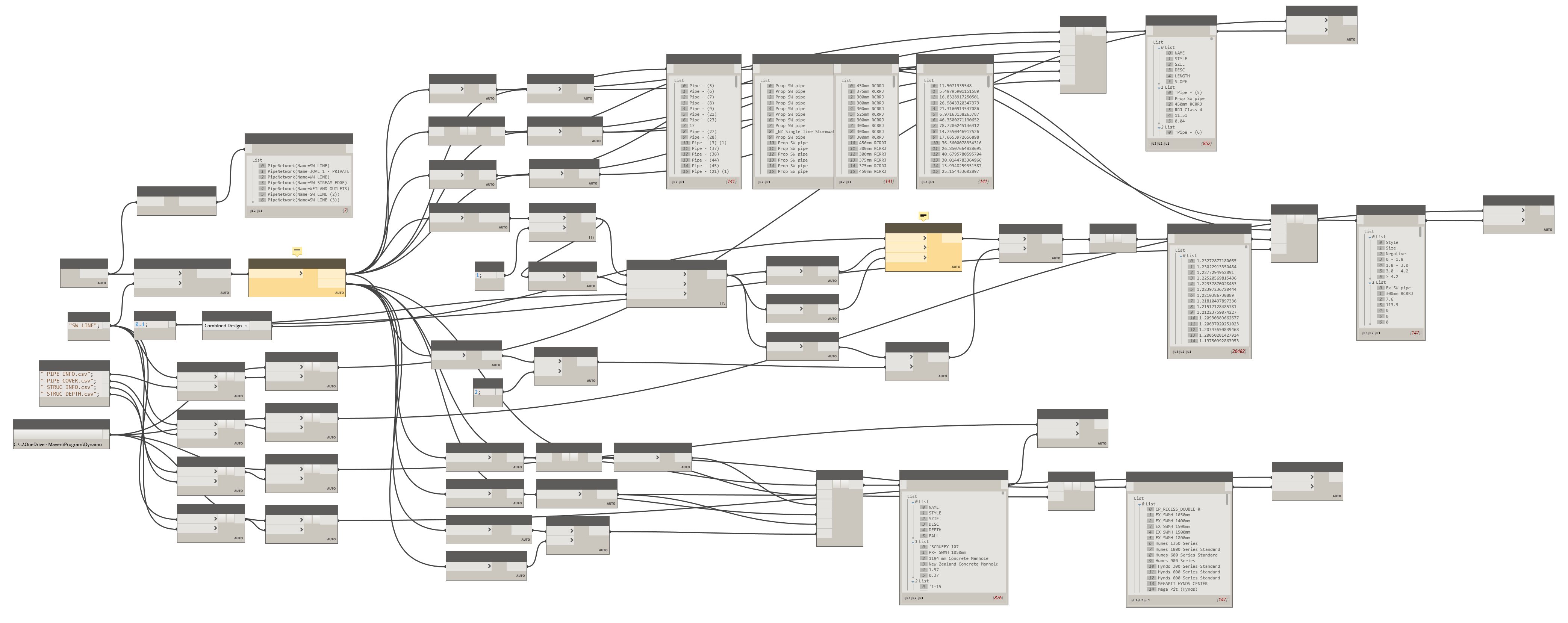
Interactive Quantity Take-Off Demo
Adjust the inputs to explore a simplified single-pipe calculation in your browser. The demo uses estimated outer diameters, a fixed 100 mm bedding depth, an outer-diameter-plus-600 mm trench width and linear depth interpolation. It updates the illustration and example schedule locally; it does not connect to Civil 3D, read a terrain model or export an Excel file.
Network Parameters
| Item Code | Description | Unit | Quantity |
|---|---|---|---|
| D-1.01 | Pipe Excavation & Backfill (Trench depth 0.0m - 1.5m) | m³ | 0.0 |
| D-1.02 | Pipe Excavation & Backfill (Trench depth 1.5m - 3.0m) | m³ | 0.0 |
| D-1.03 | Pipe Excavation & Backfill (Trench depth > 3.0m) | m³ | 0.0 |
| D-2.01 | Granular Trench Bedding (AP20 Scoria or similar) | m³ | 0.0 |
| D-3.01 | Concrete Class 2 Pipeline, DN 300 (Depth 0.0m - 1.5m) | m | 0.0 |
| D-3.02 | Concrete Class 2 Pipeline, DN 300 (Depth 1.5m - 3.0m) | m | 0.0 |
| D-3.03 | Concrete Class 2 Pipeline, DN 300 (Depth > 3.0m) | m | 0.0 |
Quantity Workflow Considerations
Depth-Band Classification
Where a project schedule groups pipe installation by depth, lengths need to be allocated to the specified bands. The browser demo illustrates this with linear interpolation between two entered depths and example boundaries at 1.5 m and 3.0 m. A production workflow needs to use the project’s surface data and measurement rules.
Trench Geometry & Assumptions
Outer pipe diameter, trench width and bedding thickness affect quantity estimates. The demo makes these assumptions visible and recalculates excavation and bedding as the inputs change. Production quantities require verified pipe dimensions, project details and independent checks against the source model.
Junction Deductions & Intersections
Junction geometry and the adopted measurement rules affect pipe lengths and material deductions. A production workflow should define how manhole boundaries and overlaps are handled, then check representative junctions against the model. The single-pipe browser demo does not perform 3D Boolean operations or junction deductions.
Civil 3D Workflow Overview
Civil 3D Pipe Network Ingestion
The workflow starts with pipe-network properties and relevant surface information from the Civil 3D model. The browser demo uses manually entered values in place of a DWG connection.
Python Vector Calculations
The quantity-processing stage applies the selected depth bands and trench assumptions. Model geometry, surface sampling and project-specific rules need to be checked when applying the workflow to a real network.
Excel SOQ Sheet Generation
The intended output is a quantity schedule mapped to the project’s item codes and measurement rules. This page displays an example table; a production Excel export needs reconciliation against independently checked quantities.